

Step 1. List Your Equipment and Its Problems
Include espresso machines and grinders, refrigerators, cooking equipment, dishwashers and supporting equipment. For each item, record:
model, serial number and installation date;
recent service work and recurring faults;
repair costs;
spare parts availability and service lead times;
the task the equipment no longer performs reliably or efficiently.
Describe the problem clearly. Instead of “we need a new refrigerator,” write “containers no longer fit on the shelves after the evening delivery.” Instead of “dishwashing is slow,” write “during lunch service, clean plates return too late for the next round of service.”
These descriptions help identify the cause before a purchase. A storage shortage may call for changes to loading, while a dishwashing delay may require better organisation of dish preparation.
Record the equipment’s age too, but assess it alongside condition, repairability and workload.
Step 2. Identify What Limits Peak-Hour Performance

Observe the whole work area: preparation, appliance use, unloading, cleaning and handing prepared products or clean items over to the next employee.
At the coffee station, note where waiting occurs: at the grinder, during espresso preparation, milk steaming or hot water dispensing. The order mix matters: the same number of drinks can place different demands on the station.
If performance is inconsistent, start with diagnostics. Depending on the model, this may include checking water before and after filtration, water flow, temperature, pressure and the condition of individual components. The scope of work should follow the manufacturer’s documentation and inspection findings.
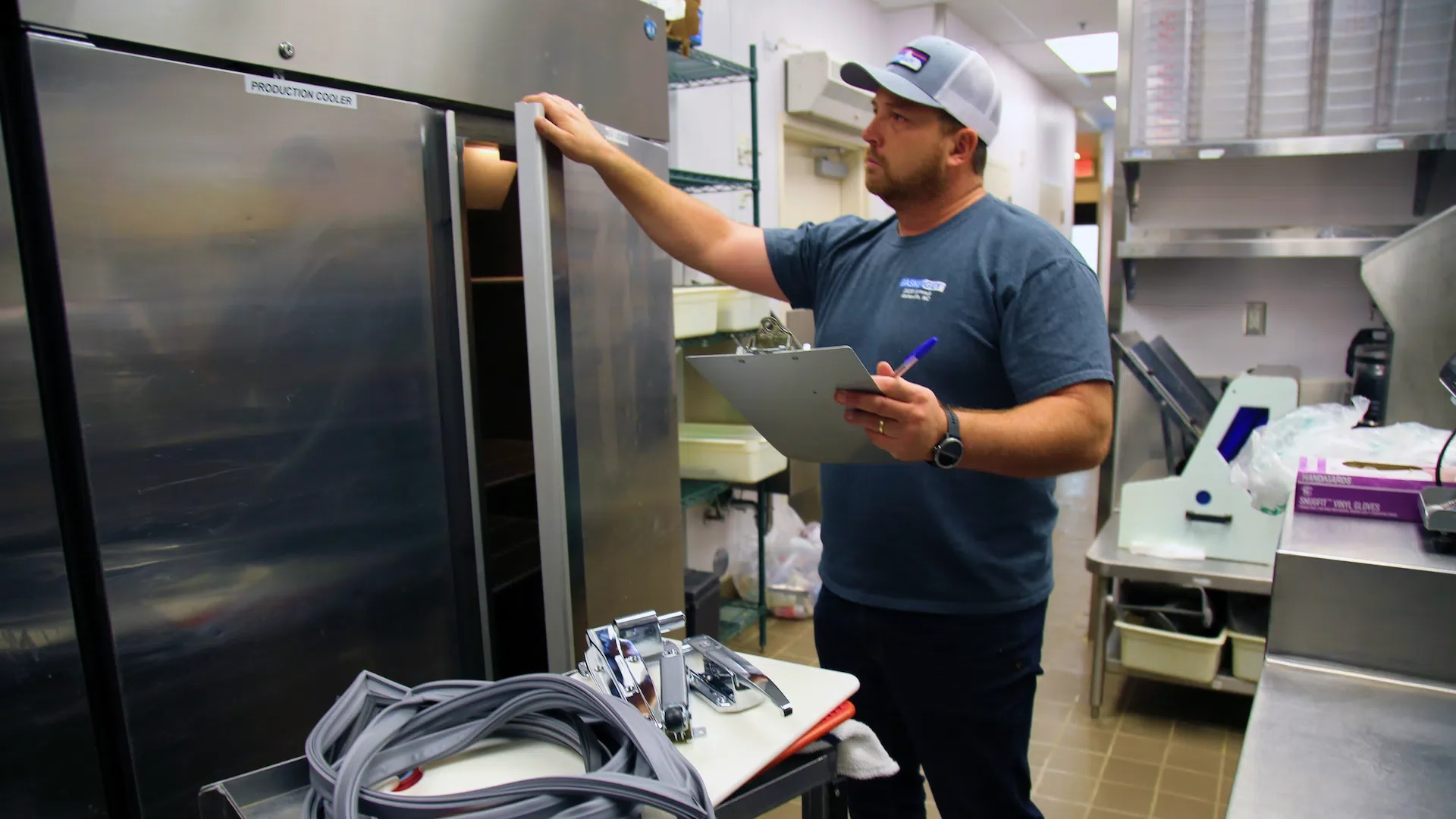
In refrigerated storage, check temperature, container placement, shelf access, door seals and ventilation conditions. Where an air filter is fitted, clogging can reduce performance. Reduced cooling performance therefore calls for an inspection of the unit.
In the cooking area, record the time needed to prepare, cook and unload batches. Identify when equipment is actively working and when it is waiting for ingredients or a staff member.
In the dishwashing area, assess dish preparation, washing, unloading and the return of clean items separately. The machine’s throughput depends on the selected programme and connection conditions. When assessing the whole area, also account for preparation, loading, unloading and returning clean dishes to service.
Step 3. Choose an Action for Each Item
After the assessment, place equipment into four categories.
Action | When to consider it |
Service | Capacity is sufficient, and the identified fault or cause of reduced performance can be resolved |
Replace | Repairs cannot restore the required reliability, or a properly functioning appliance no longer meets demand |
Add | The main equipment works properly, but a separate operation limits the work area |
Keep | The equipment consistently performs its task and receives the required maintenance |
If you are considering servicing, ask the service provider for a diagnosis, scope of work, parts costs and completion time. Clarify what result to expect after the repair and how it will be checked.
When planning service work, also consider the equipment’s operating conditions. Depending on the findings, the plan may include adjustments to water treatment, work on utility connections or changes to loading practices.
If you are considering replacement, compare repairing the existing appliance with installing a new one. Account for recurring faults, parts availability, downtime and suitability for the current menu.
When choosing a refrigerator, distinguish between gross and usable capacity. Loading plans also require shelf dimensions, container sizes and food storage requirements. The capacity figure in the product name alone does not show how many prepared containers will fit.

If you are considering an addition, define the operation it should improve. For example, if rack preparation slows down dishwashing, assess the loading table, sink position and sorting space.
A loading table with a sink, designed to connect to a hood-type dishwasher, may be one option for the area. Before choosing it, check compatibility, connection side and available space. Assess the result during a working shift: has waiting time decreased, and are clean dishes returning when needed?

Step 4. Calculate the Budget and Set a Completion Date
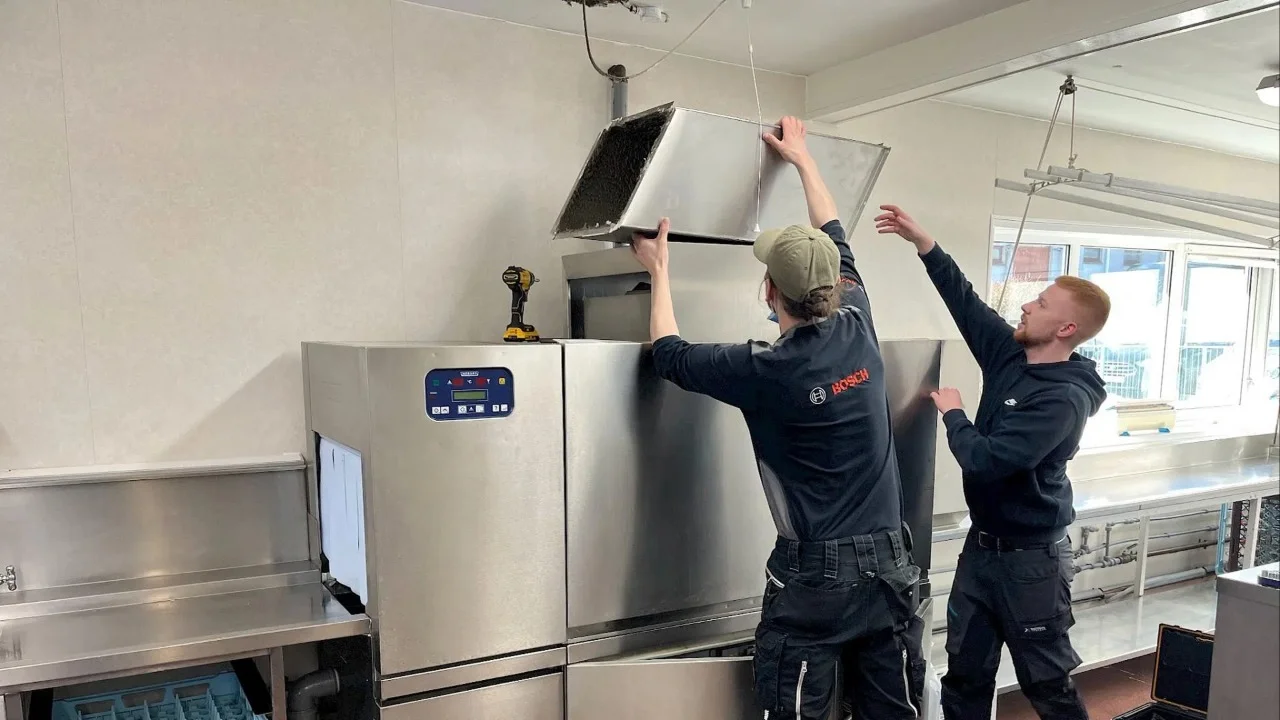
For each purchase, allow for delivery, moving the equipment into place, removal of old equipment, installation, utility connections, necessary accessories and staff training. Then add operating costs: electricity, water, chemicals, filters and servicing.
When choosing professional kitchen equipment, compare the total cost of ownership. Calculate potential savings based on your establishment’s workload, how the equipment is used and current utility rates.
Compare options over the same period and for the same operational task. For existing equipment, include upcoming repair and operating costs. For new equipment, include the purchase, site preparation, installation and ongoing operation. Assess potential downtime losses separately, based on the breakdown history and service terms.
Before ordering, check the power supply, water, drainage, ventilation, access routes and maintenance access. Preparing utility connections, additional installation materials and removing old equipment may cost extra. Agree on the scope of work in the quotation.
Keep the final plan in a single table:
Equipment and Problem | Action | Priority | Budget | Completion Date |
Model and identified limitation | Service, replace or add | Urgent, before the season or scheduled | Including associated work | Planned date for completing the work and checks |
Refrigerator: damaged door seal | Replace the seal and check operation after the repair | Before the season starts | Based on the service quotation, including parts, call-out and labour | By 15 April 2027, including checks |
The final row is an illustrative example.
Prioritise the actions needed for safe and reliable operation. Next, address confirmed bottlenecks during peak hours. Then plan for menu expansion and improvements that make day-to-day work easier.
Coordinate delivery, site preparation, installation and testing under operating conditions. Complete the upgrade by checking performance on an actual task: preparing drinks, returning clean tableware to service or running the refrigerator with the intended load.
What to Consider Before Purchasing
Assess equipment age alongside condition and workload.
Check connections before selecting a more powerful appliance.
Account for peak hours and seasonal changes in demand.
Include installation and start-up costs in the budget.
Define the location and specific task for additional equipment.
Allow time for equipment checks and staff training.
Choose Equipment Around Your Venue’s Plan
Prepare an equipment list, a description of the problems, peak-hour demand and room dimensions. Use this information to request equipment selection advice and a tailored quotation from HoReCa-Shop, with the configuration, installation and start-up schedule agreed in advance.
FAQ
Should I repair or replace the equipment?
Start with diagnostics and a repair estimate. Then compare the cost, timing and expected results of the repair with the cost of purchasing, installing and operating a new appliance. The decision should account for reliability and workload as well as the relationship between repair and purchase prices.
Where should I start with a limited budget?
Start with problems that affect reliable operation and necessary service work. Then select one confirmed workflow bottleneck and assess the available ways to resolve it.
Should I buy equipment with spare capacity?
Spare capacity should match expected demand: seasonal peaks, events or an agreed menu expansion. Assess additional capacity alongside available space, connections, maintenance requirements and staffing.